




Reusable Job Posting Templates and Job Ad Templates
Create a Job Posting Template Once. Use it Everywhere.
Generate structured, compliant postings in seconds, with all your preferred tools and workflows already in place.

What Is a Job Posting Template?
A Job Posting Template is a reusable blueprint that helps you launch job ads faster and more consistently across roles, departments, or hiring managers.
Instead of starting from scratch every time, you can pre-load job details, evaluation tools, scorecards, and workflows into one ready-to-use format. Whether you’re hiring hourly workers or building an executive team, templates keep your process aligned and efficient.

Discovered’s Job Posting Templates make it easy to apply a standard structure—while still giving you the flexibility to tweak details per role. It’s about launching faster, staying consistent, and reducing repetitive setup work across your hiring team.
Why Use Job Posting Templates?

Speed Up Hiring Setup
Skip the tedious form-filling—use pre-configured templates for quick job creation, so you're ready to post before the coffee’s cooled.

Ensure Consistency
Maintain a consistent job announcement template format with aligned tone, structure, and criteria across every job ad.

Adaptable for Any Role
From executive roles to hourly job hiring ads, templates help standardize everything.

Pre-Built Evaluation Tools
Load scorecards, interview guides, reference checks, and workflows by default, so you never forget a step.

How Job Posting Templates Work

Build a Job Advertisement Template
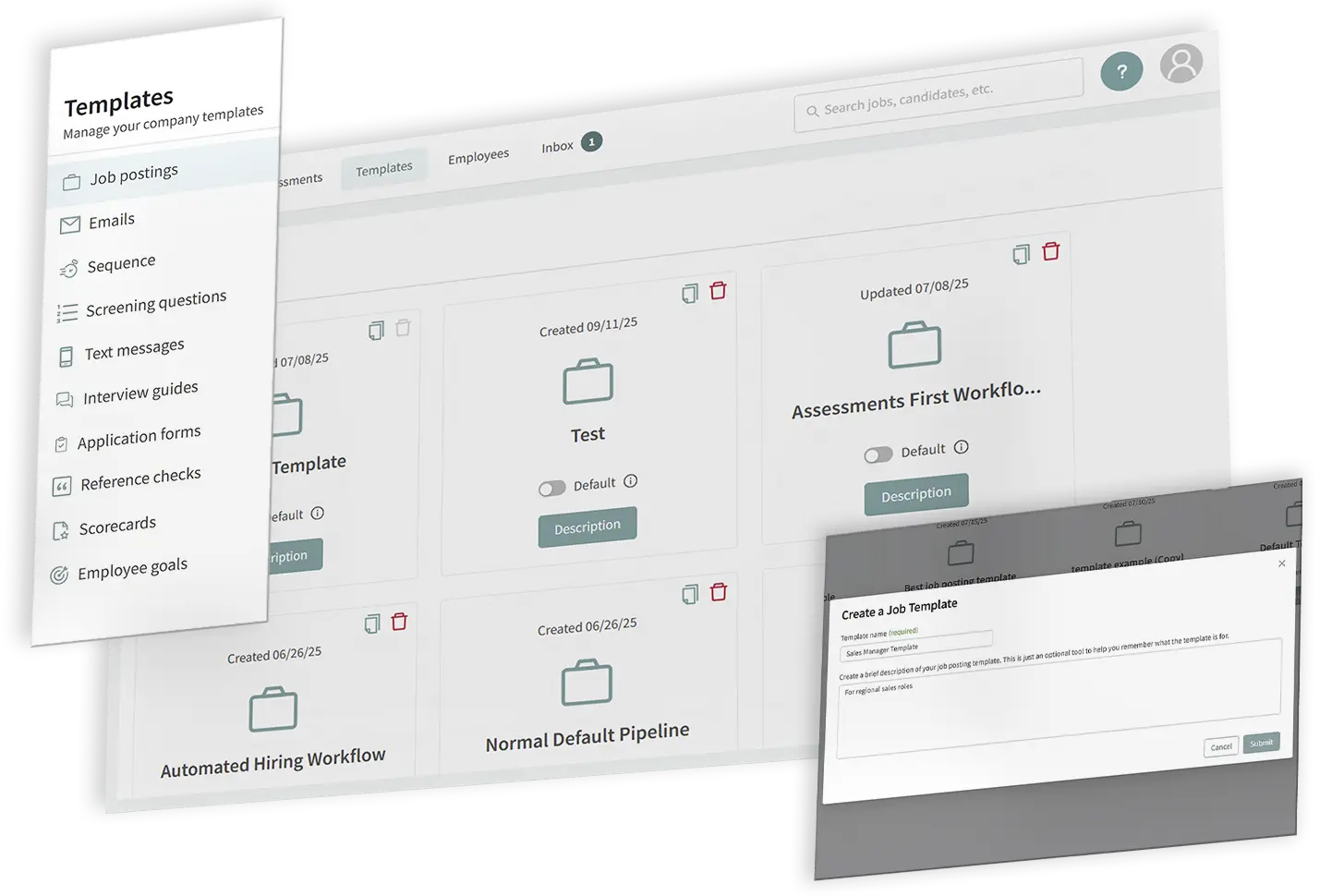
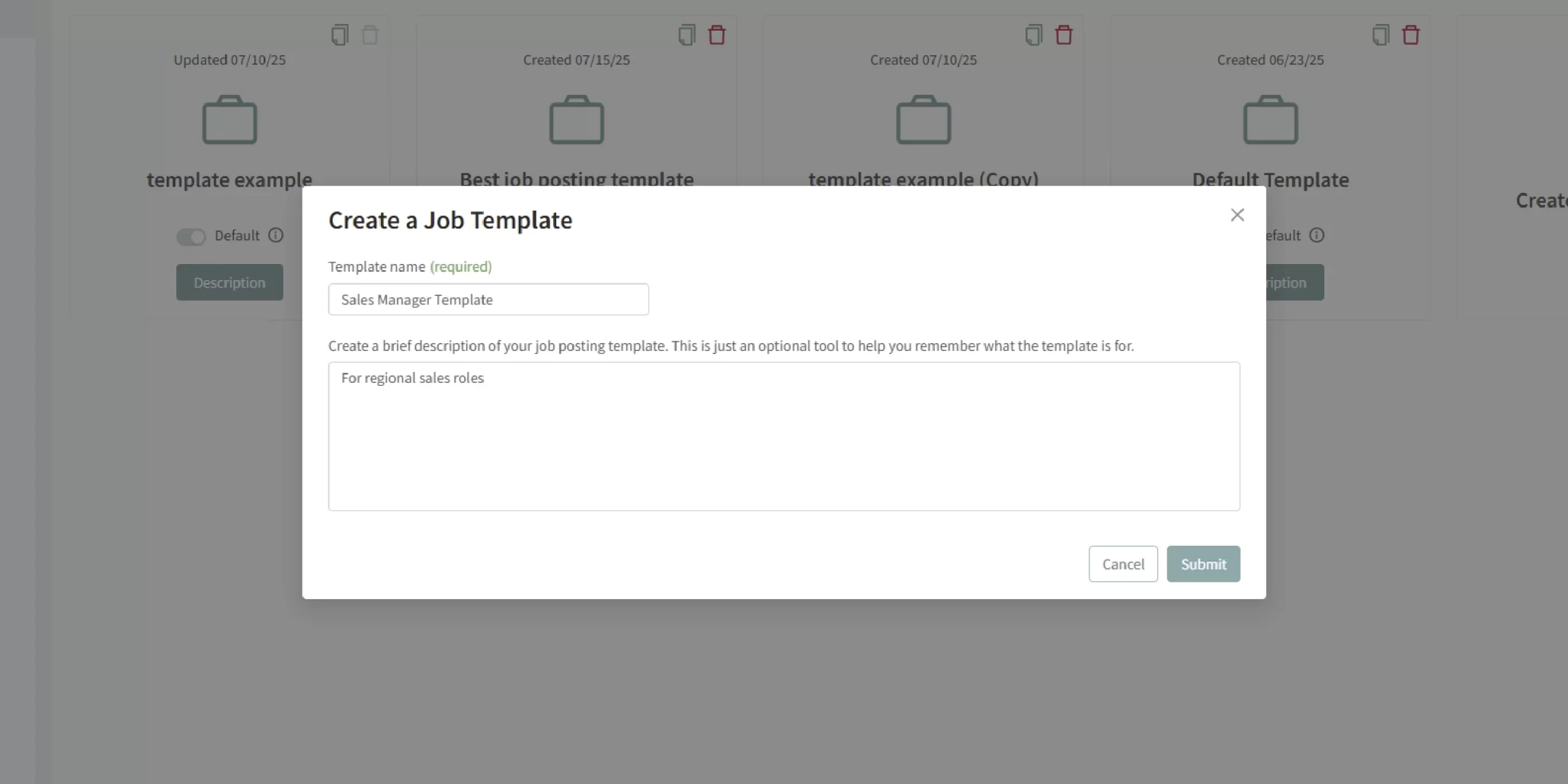
Navigate to Templates > Job Postings and click Create Job Template. Provide a name and description, then add your desired defaults—job title, description, location, pipelines, evaluation tools, and more.

Configure Toolkit
Within the template, pre-select interview guides, reference checks, scorecards, and application forms. Choose a pipeline—either copy from another template, previous job, or build new.

Save and Manage
Once saved, your template appears in the library. From there you can edit, delete, or duplicate it for minor variations across departments or regions.

Apply the Template
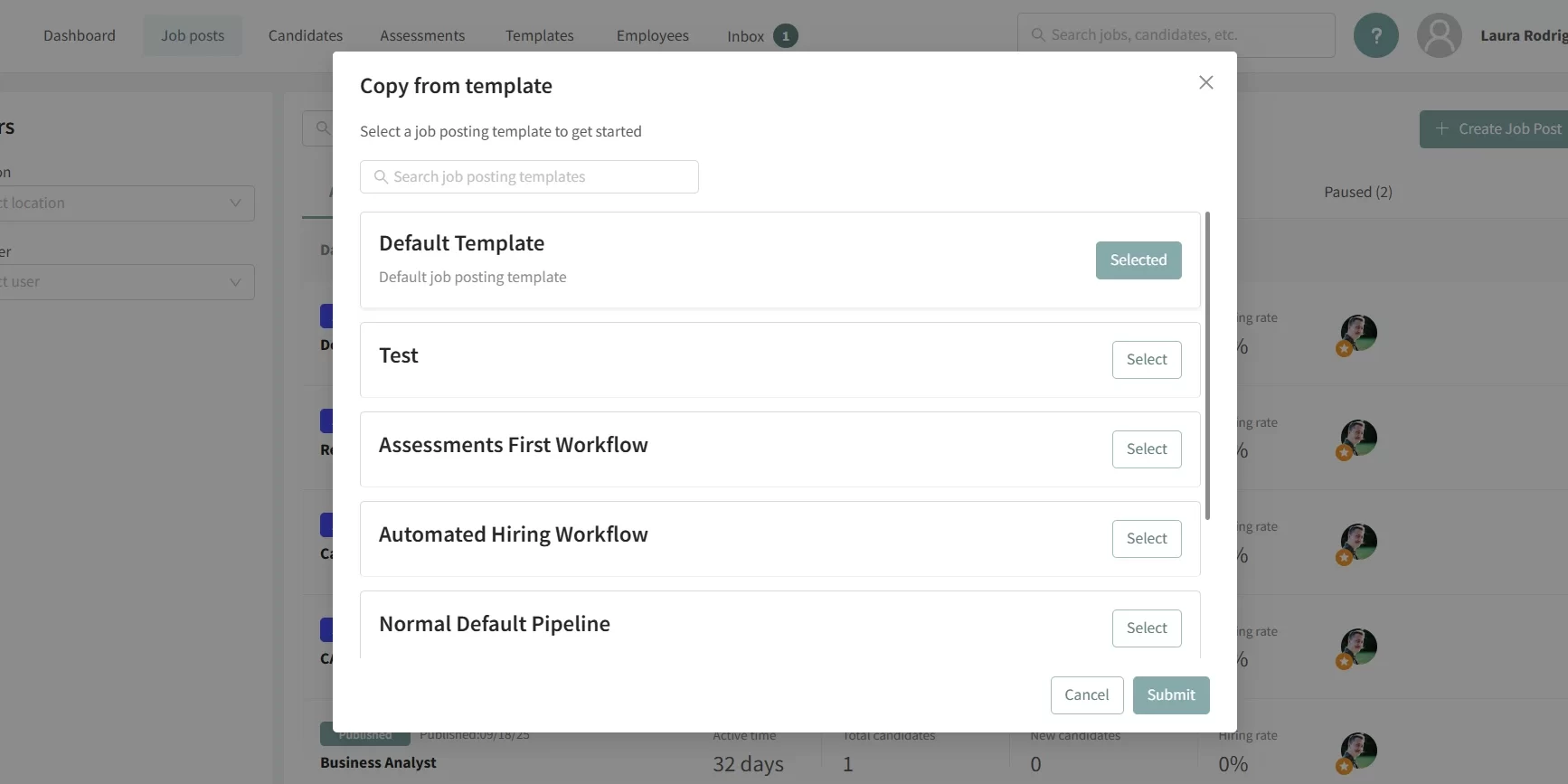
Default Use: Every time you click “Create Job Post,” the default template loads instantly.
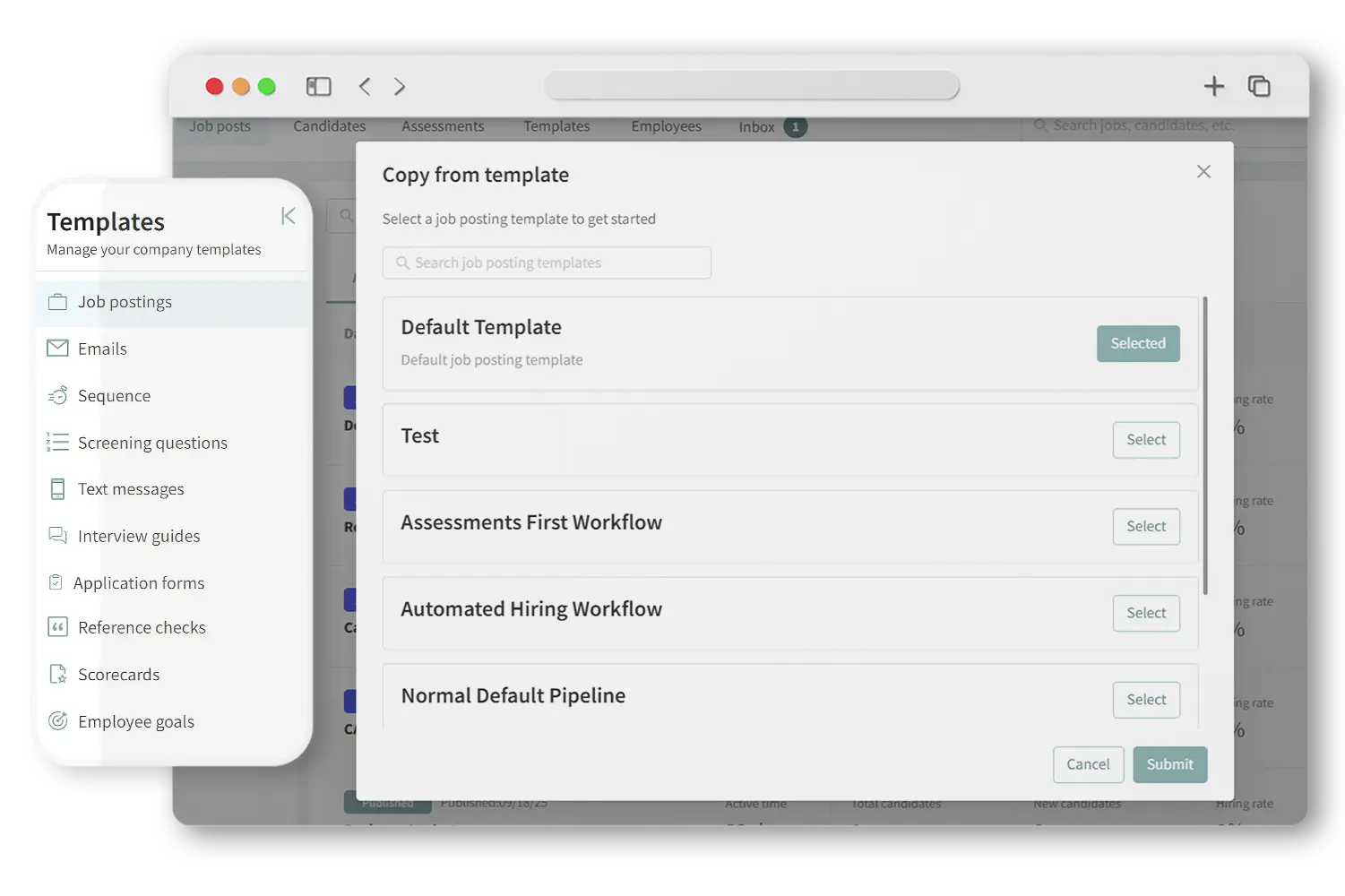
Manual Selection: Click the arrow next to “Create Job Post,” choose Copy from template, select your template, and click Submit.
Ready to tweak details and publish.
Learn more about our tools
Features Form - Category: Candidate Sourcing & Employer Branding (DAI)
"*" indicates required fields
What Makes This Feature Powerful

Default Template
One always-on template ensures your core job configuration is never missed.
-
Selective Pipeline Use
Copy only the pipeline from any template, even when you’re building the rest from scratch.
-
Save As Template
Any fine-tuned job can be converted into a template with Options > Save as template, ready for future use.
Key Features

One-click Template Creation
Set up the best job posting template for your team—reuse it across roles.

Customizable Defaults
Tailor titles, locations, scorecards, forms, and workflows per template.
Default & Selectable Templates
Use a universal default, or manually pick a template per job.

Template Library Management
Edit, delete, or duplicate templates with ease.
Reuse Pipelines Independently
Apply effective hiring workflows across roles without full templates.
Perfect For…
-
Distributed teams needing consistent job hiring poster templates and ad formats
-
HR leaders scaling hiring across departments
-
Companies that hire repeatedly for similar roles
-
Teams onboarding with compliant job posting setups
-
Teams needing branded job ad poster templates for both online and offline hiring

Hear From Our Customers

Pro Tip
“Default templates are your hiring safety net—new job every time? Start with the baseline, then refine. No missing steps.”
— Fletcher Wimbush, CEO
Ready to Standardize Your Job Posts?
Create once with a reusable HR job posting template—refine and relaunch effortlessly.