



Let’s be honest—manual interview scheduling is one of the least enjoyable parts of recruiting.
You send an email.
Wait for a reply.
Suggest a time.
Wait again.
Reschedule.
Repeat.
Now multiply that by every candidate. Suddenly, hiring feels less like building a great team and more like playing calendar Tetris.
If you’ve ever wondered whether there’s a way to make interview scheduling automated—and still keep your workflow intact—the answer is yes. And today, we’re walking through exactly how to do it.
Why Most Teams Hesitate to Automate Interview Scheduling
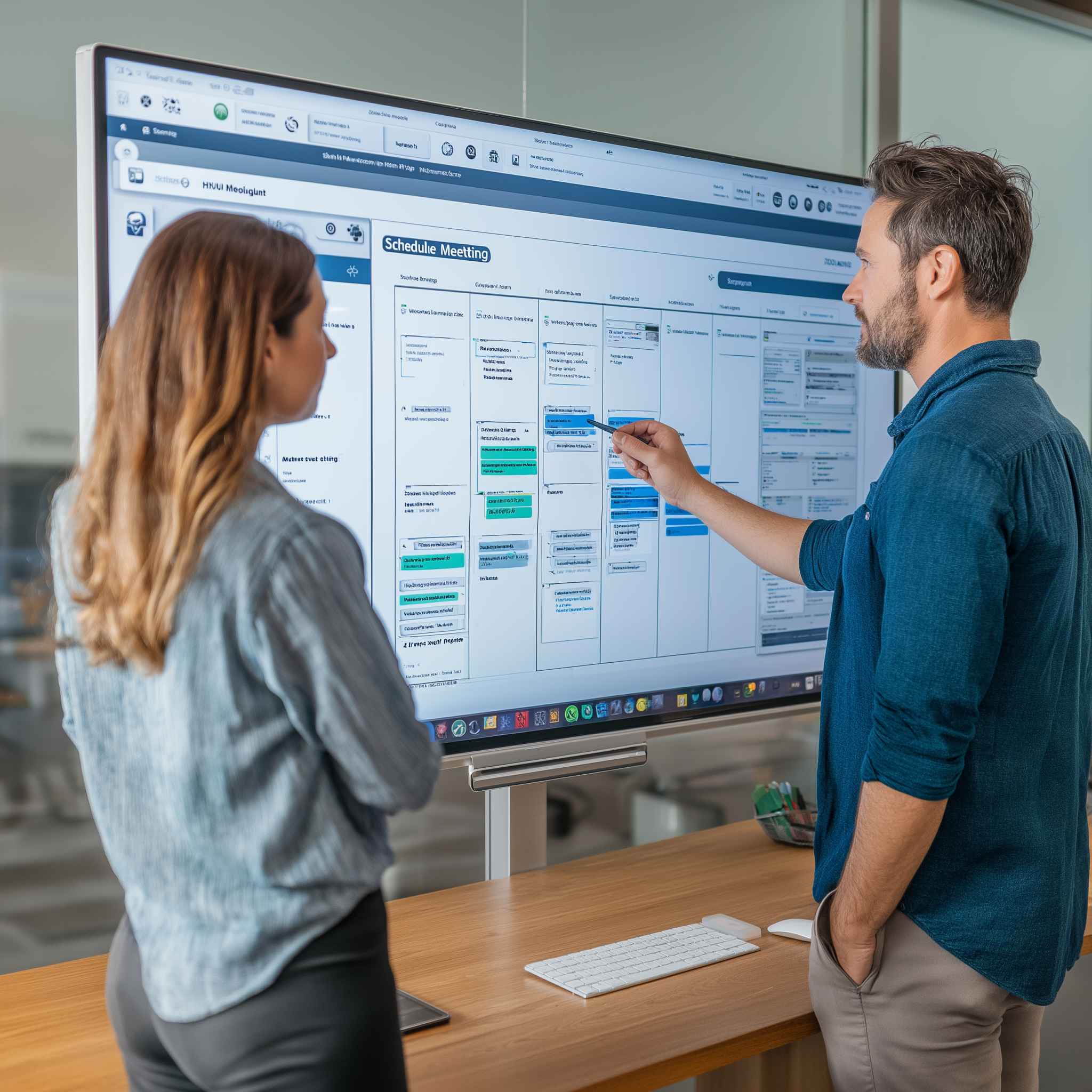
We get it. Automating a process like interview scheduling sounds great… until you start thinking about the potential friction:
- Will it mess up our existing process?
- What if a candidate needs to reschedule?
- Will it feel impersonal?
- What if the hiring manager wants to control the timing?
These are valid concerns. But when done right, you can make interview scheduling automated in a way that’s seamless—and even strengthens your workflow. It reduces back-and-forth, avoids scheduling mistakes, and gives your team time back to focus on actual hiring, not logistics.
The Truth: You Don’t Have to Overhaul Your Workflow
The goal here isn’t to flip your entire process upside down. You don’t need to rebuild your hiring pipeline from scratch. In fact, most teams already have a structure that works—you just need to make interview scheduling automated in a way that fits right in. They just need the right layer of automation that plugs in without causing chaos.
Let’s walk through what that looks like—step by step.
Step-by-Step: How to Make Interview Scheduling Automated (Without the Headache)
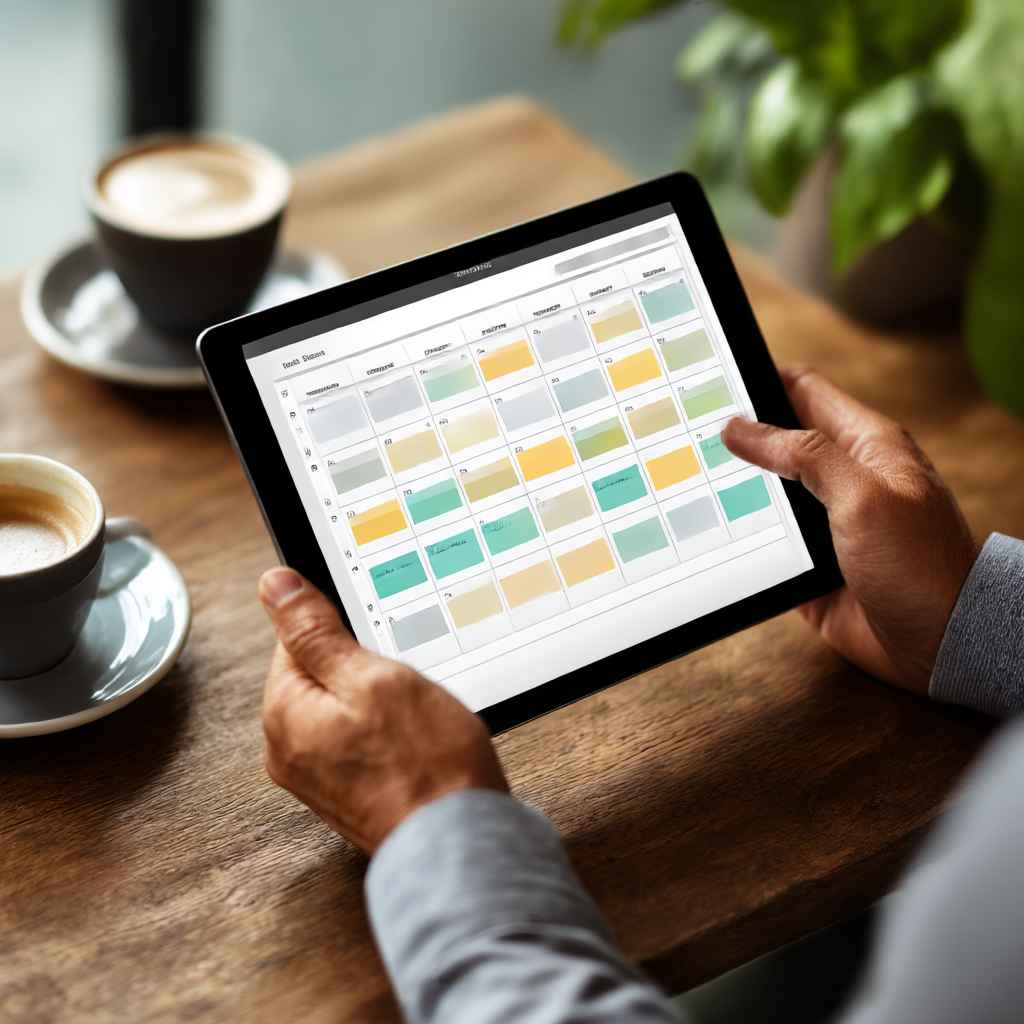
1. Pick the Right Tool That Fits Your Workflow
You don’t want a standalone scheduling app that adds another tool to manage. If you want to make interview scheduling automated without creating extra steps, the key is choosing a solution that integrates into your existing workflow. You want something that integrates into your ATS or hiring platform. That’s why tools like Discovered’s Automated Interview Scheduling are built specifically for modern teams.
It plugs directly into your hiring stages so you can keep your process as is—just faster.
2. Assign Scheduling to a Pipeline Stage
In Discovered, every job has a processing pipeline—stages like “Phone Screen,” “Tech Interview,” “Final Round,” etc.
Here’s what you do:
- Go to the stage where you normally schedule interviews.
- Add the “Schedule Meeting” automation.
- Done.
Now, whenever a candidate reaches that stage, the system knows it’s time to trigger an interview link.
3. Use Smart Templates to Trigger the Right Message
You can write a message once and personalize it automatically every time.
Include:
- A friendly greeting (use the candidate’s name).
- Your interview scheduling link.
- Optional context (who they’ll be meeting, how long the interview will last, etc.).
This way, the system sends the right message at the right time to make interview scheduling automated, effortless, and consistent.
4. Candidate Picks a Time
They see your availability in real time and choose a slot that works for them. No back-and-forth. No confusion. And it automatically shows up in your calendar.
It’s like magic. But it’s just smart automation.
5. Want to Go One Step Further? Add “Move to Next Status”
Once the interview is scheduled, you can tell the system to automatically move the candidate to the next stage.
That’s the beauty of combining automation with control. You’re still in charge—you just don’t have to babysit every step.
What It Looks Like in Action
Here’s how it looks when you make interview scheduling automated and let the system handle the busywork:
| Before Automation | After Automation |
| 5 emails to confirm one interview | 1 smart message—candidate picks a time |
| Calendar mix-ups and double bookings | Real-time synced availability |
| Manual status updates in your ATS | Auto-progression once the interview is booked |
| Constant timezone confusion | Built-in time zone intelligence |
| No-shows from lack of reminders | Automated reminder emails |
Built-in Features That Keep Your Workflow Intact

Discovered’s automation isn’t just about speed. It’s designed to help you make interview scheduling automated without disrupting the way you already hire.:
- Integrated Calendar Scheduling
- Status-Triggered Messaging
- Time Zone Intelligence
- Mobile-Friendly Booking
- AI-Powered Message Support with Kingsley
- Reschedule Flexibility (no admin needed)
Want to learn more about how global teams are using Discovered? Check out our post on Best Automated Interview Scheduling Tools for practical comparisons.
Why This “Small” Change Makes a Big Difference
It may feel like you’re only saving a few minutes per candidate. But here’s how it adds up:
| Weekly Candidates | Time Saved Per Candidate | Total Time Saved |
| 10 | 30 minutes | 5 hours |
| 25 | 30 minutes | 12.5 hours |
| 50 | 30 minutes | 25 hours |
That’s a full day or more each week just from making interview scheduling automated.
Related Reads to Explore
- How to Automate Interview Scheduling Without Losing the Human Touch
- Why Automated User Interview Scheduling Is a Game-Changer for Recruiters
- Automate Interviewing Scheduling: Small Change, Huge Time Savings
- What Is Automated Interview Scheduling and How It Helps You Hire Faster
FAQs: Let’s Clear Up the Common Questions
Q: What if a candidate needs to reschedule?
No problem—they just click their original link and pick a new time. No manual coordination needed.
Q: Does this only work for the first interview?
Not at all. You can automate scheduling for first rounds, second rounds, final interviews—any stage you want.
Q: Will it feel too robotic or cold?
Not when it’s done right. With Kingsley AI, your messages can be personalized and friendly. It still feels human—just more efficient.
Q: Can I still manually intervene when needed?
Of course. Automation gives you control—not limits. You can override, customize, or pause any step as needed.
Final Thoughts: Smart Automation, Zero Disruption
Automation doesn’t have to mean overhauling everything. You can make interview scheduling automated without losing control or personalization. When you make interview scheduling automated with the right tools, it enhances your workflow rather than interrupting it.
You’ll reduce time-to-hire.
You’ll improve candidate experience.
And most importantly—you’ll get your evenings back.
✨ Want to see it in action?
Let Discovered help you automate interview scheduling without breaking your workflow.
Content