



Discovered’s Hiring Dashboard Real-Time Insights, Total Control
Your Entire Hiring Funnel— At a Glance
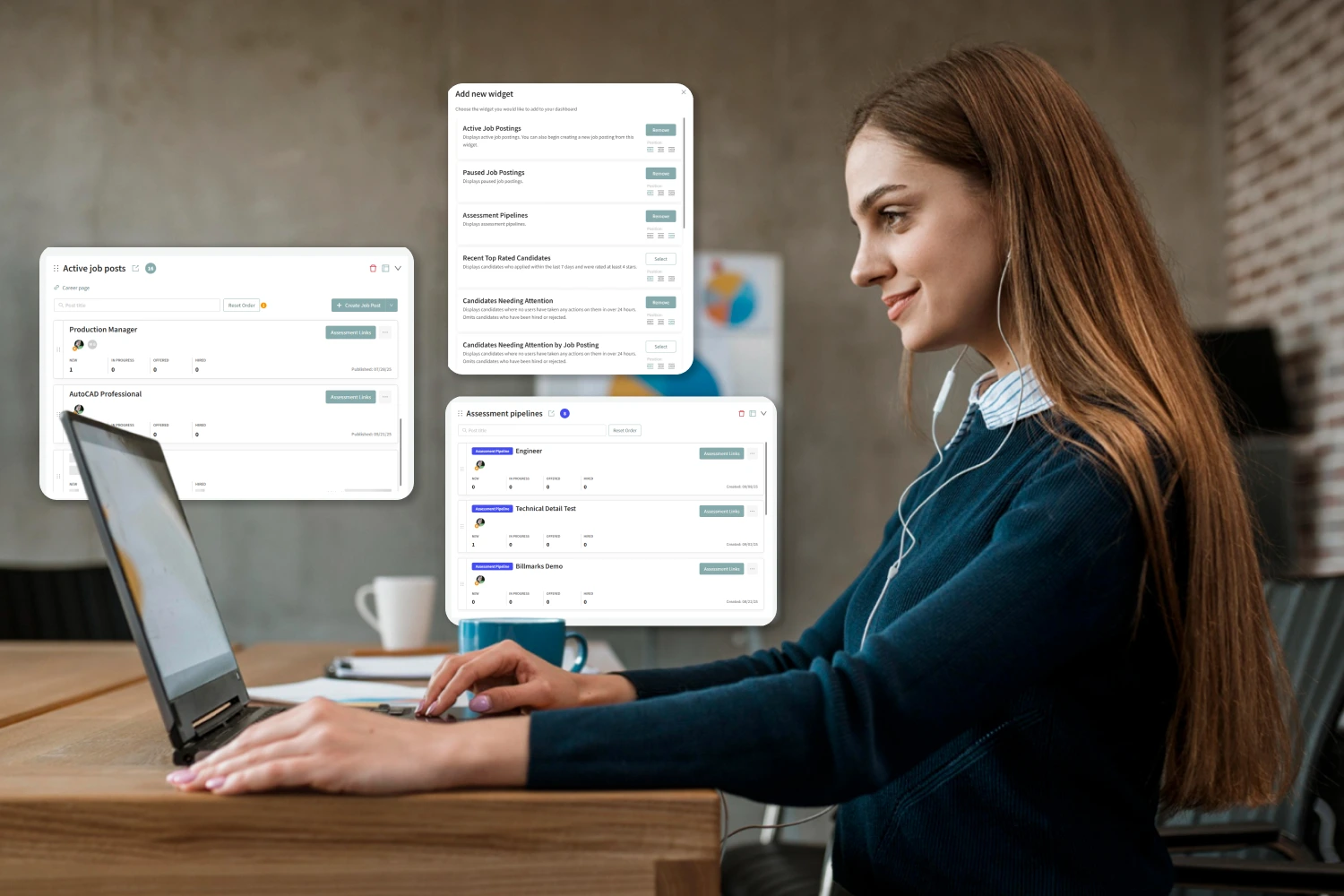
Discovered’s widget-based dashboard gives recruiters and hiring managers a real-time view of everything that matters—open jobs, active candidates, stalled workflows, and more.

Why Use the Dashboard?

See What Matters Instantly
Track active jobs, paused roles, candidate statuses, and pipeline metrics—all in one place.

Take Action Where It’s Needed
Identify candidates who need follow-up, see which stages are bottlenecked, and act before delays grow.

Customize Views by Role or Focus
Add, remove, resize, and reorder widgets to suit how you work—so HR sees different data than your department leads.

How the Dashboard Works

Add or Remove Widgets
Choose from dozens of widgets like Active Job Postings, Candidates Needing Attention, or Source Breakdown. Remove any you don’t use.

Reorder and Resize
Drag to rearrange widgets or switch between half-width, full-width, or collapsed views.

Drill Into the Details
Click any section—like "Candidates Needing Attention" or "Paused Jobs"—to go straight to the filtered view in your pipeline.

Filter by Time or Status
View activity by time range, job posting, or status so you’re always focusing on what matters most.
Learn more about our tools
Dashboard
"*" indicates required fields
Key Features

Active Job Postings
Monitor all currently open jobs, reorder them by priority, or sort by latest.
Paused or Archived Jobs
See roles that are on hold or finished, so nothing slips through the cracks.

Assessment Pipelines
Track test-only job postings used for screening or skills assessments.

Candidates Needing Attention
Spot candidates who’ve stalled without action for over 24 hours—encouraging consistent follow-up.

Top-Rated Candidates
Identify high-scoring candidates added in the last 7 days—based on AI or team ratings.

Candidate Source Breakdown
See where your best applicants come from—job boards, referrals, or custom sources.

Status Distribution & Time in Stage
Understand how candidates move through your funnel, and where they’re getting stuck.
Perfect For…

Busy hiring teams managing multiple roles at once
-
HR leaders needing fast insight into team-wide recruiting performance
-
Startups and enterprises wanting flexible dashboards by user type
-
Hiring managers who want clarity without digging through reports


Hear From Our Customers

Pro Tip
“Widgets like ‘Candidates Needing Attention by Job’ make it obvious who’s waiting on you—and why. That transparency saves time and reduces drop-off.”
— Fletcher Wimbush, CEO

Ready to See Your Hiring Funnel Clearly?
Customize your view. Track what matters. And move faster with confidence.